Loading Sushi Golf
How it works
Map a round in minutes. Try it on Shoreacres.
After you play, choose the course and your tees, then tap where each shot finished. Sushi Golf fills in the club, the lie and the distance, and turns the round into strokes gained. Try it below with a sample round.
Try the demo ↓Record every shot
Tap where each shot finished.
- 1Click where your tee shot finished. On a phone, hold, drag and release.
- 2Keep going to the green. Each shot shows its club, lie, distance and strokes gained.
- 3On the green, set the flag and place your putts. When the next one drops, tap Next shot in and you're on the next tee.
- 4Your scorecard, strokes gained and round stats update with every shot.
Keyboard, as in the app: Enter next shot in, F set flag, G green, H hole, +/− zoom, ⌘Z undo. Scroll over the map to zoom; drag to pan.
A demo on the real course outline of Shoreacres, with strokes gained against a scratch golfer. In the app, the comparison uses your own handicap. Nothing here is saved.
Sushi · Map entry
Shoreacres · Hole 1
par 4 · 511 yds
Click to place shot 1Hold · drag · release to place
Hole 1 shots
0Start at the tee. On a phone, hold and drag to place each landing point.
Place shot 1
This round
thru 0 holes
—
- fairways
- —
- GIR
- —
- putts
- —
- driver avg
- —
- longest drive
- —
- up & down
- —
Strokes gained
vs a scratch golfer · 0 shots counted
—
Off the tee—
Approach—
Around the green—
Putting—
0 = a scratch golfer · right is better · adds up with every shot
Scorecard
FRONT 9
TOT
Par
4
4
4
4
4
3
4
3
4
34
Score
–
BACK 9
TOT
Par
4
4
3
4
3
5
4
4
5
36
Score
–
On the course
Prefer to track as you play? Use your wrist or your phone.
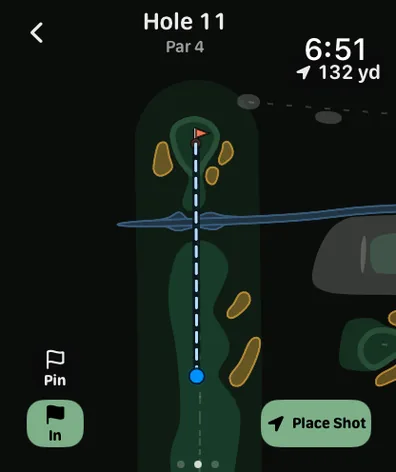
Apple Watch
- The same course map on your wrist, with your GPS position and a line to the pin.
- Yardages to the green and your scorecard as you go.
- Place shots from the Watch; they sync back to your iPhone.
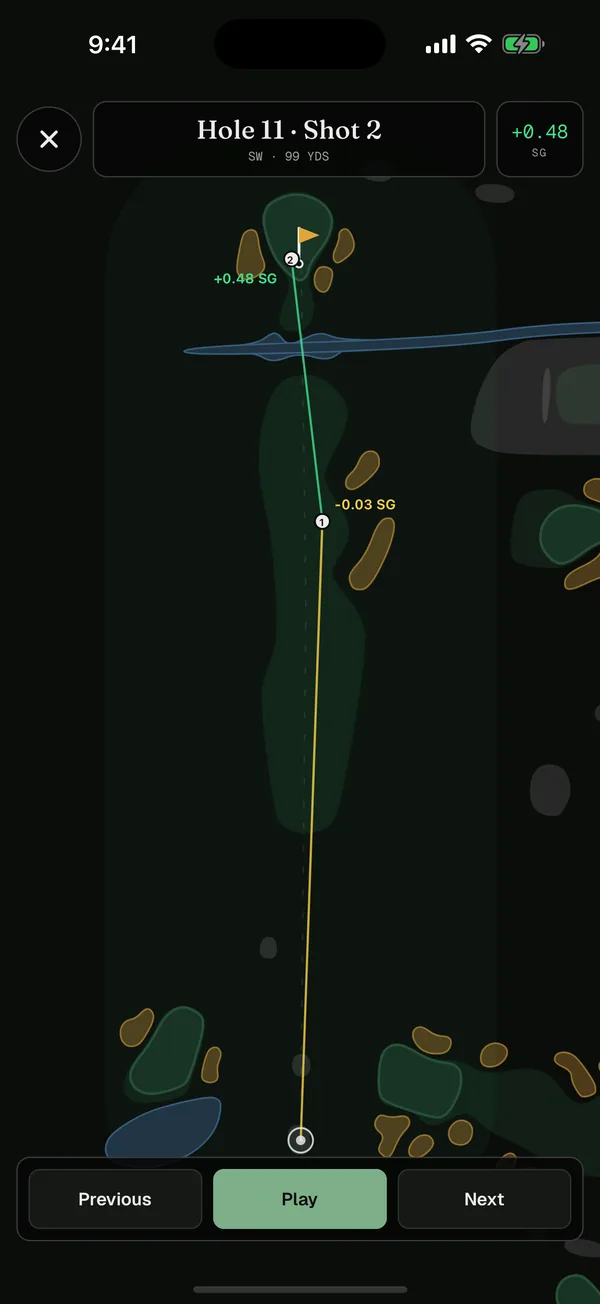
Live GPS on iPhone
- Turn on GPS in the round map to see where you are and your distance to the pin.
- Set the tee where you're standing, then place each shot where your ball is.
- Your live location is used only while the map is open and isn't sent to Sushi Golf; only the shots you place are saved.
Then see your game
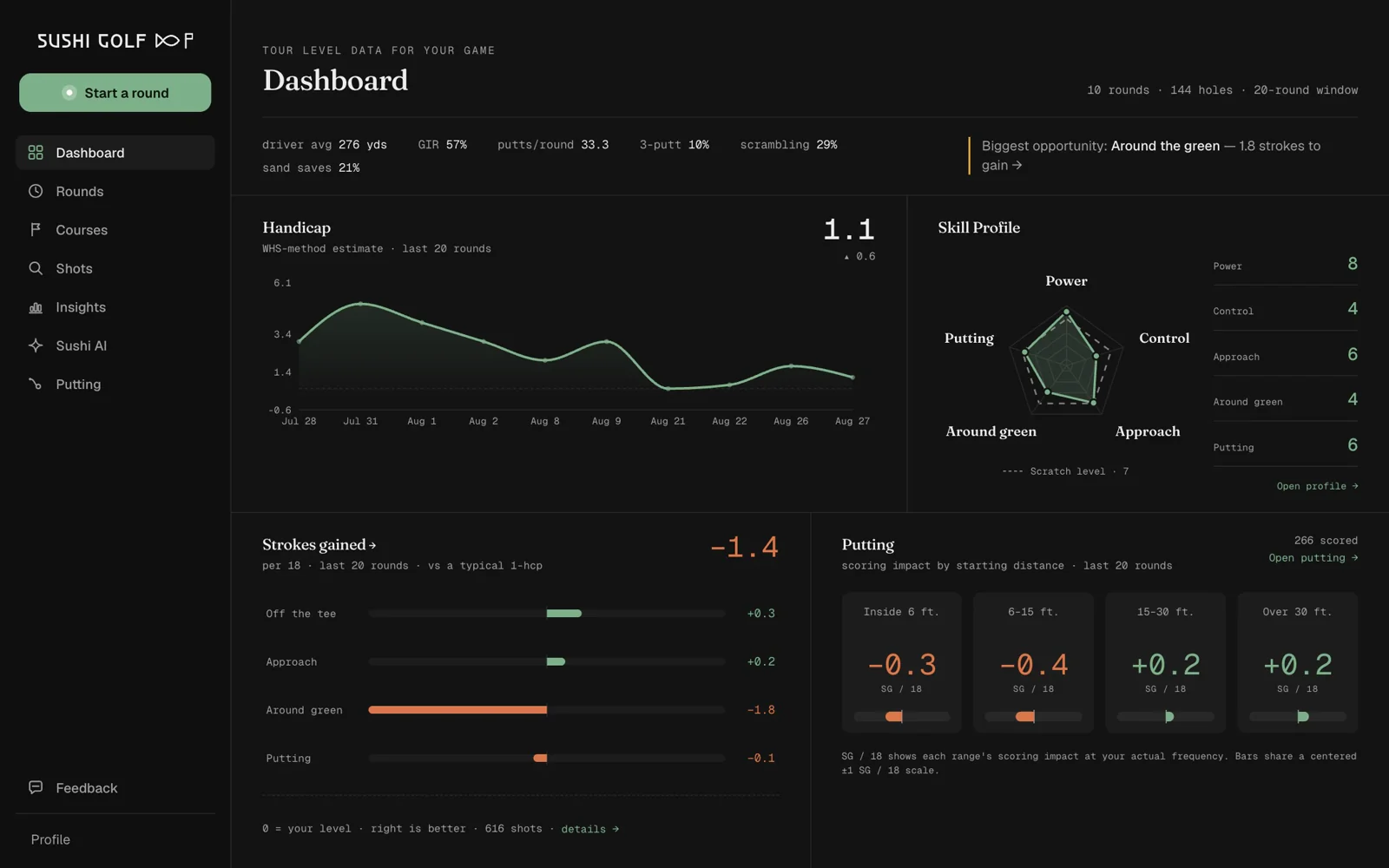
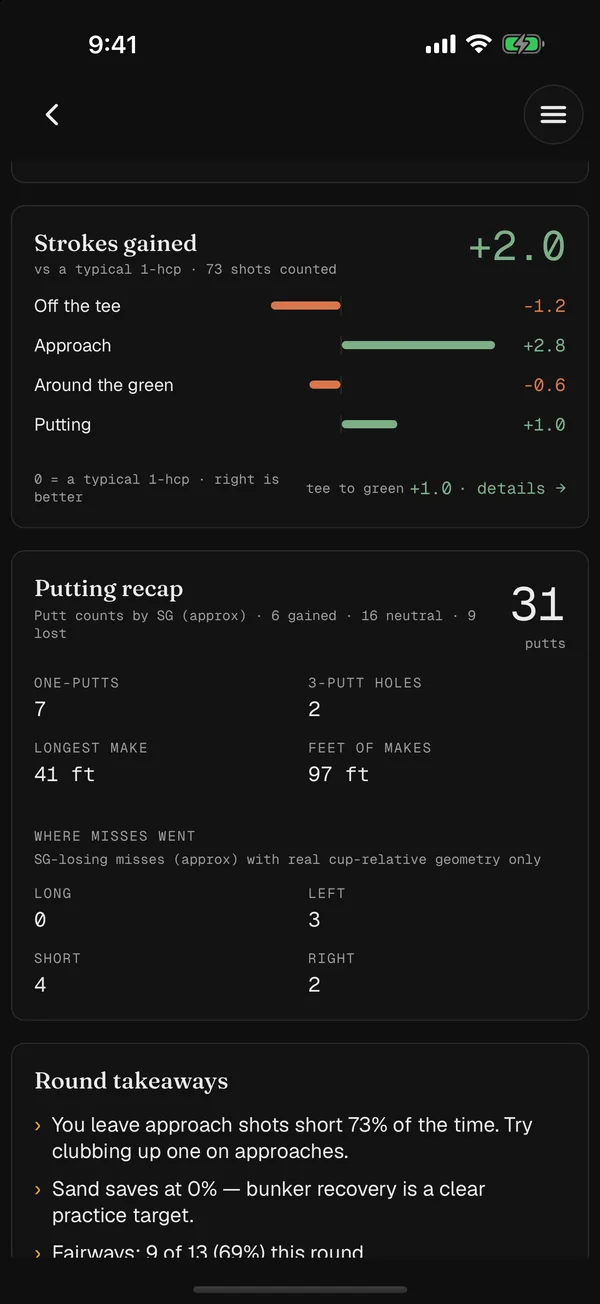
Every round becomes tour-level data.
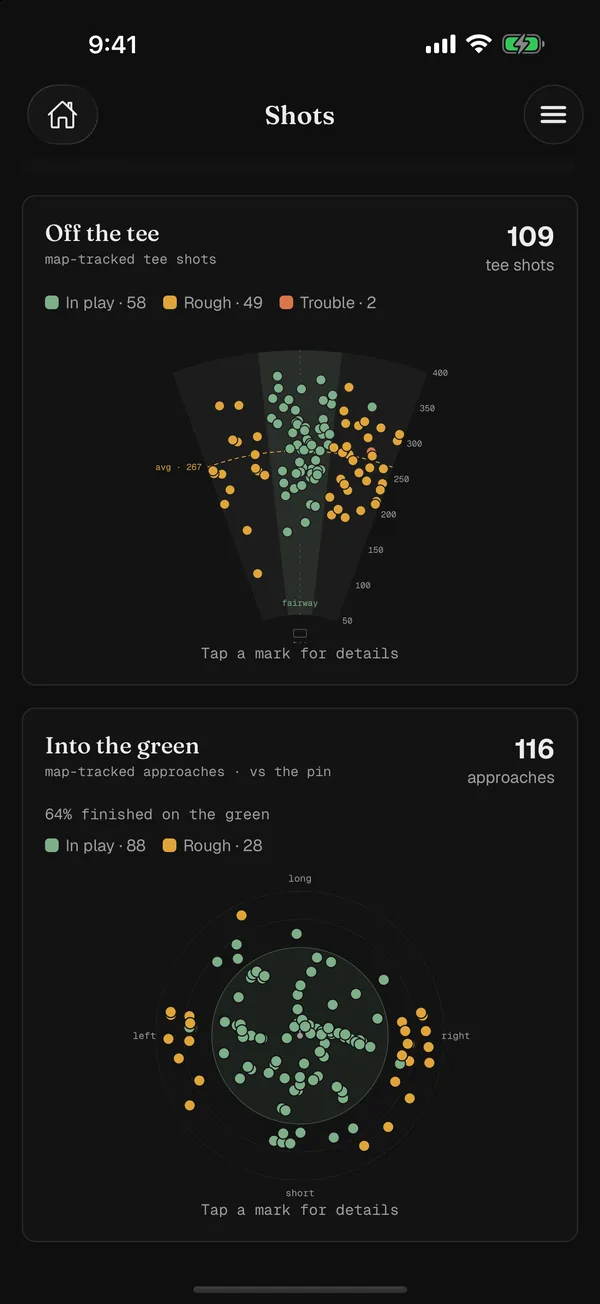
Strokes gained by category and by shot, where your tee shots and approaches finish, putting by distance and break, course history, a replay of every hole, and Sushi AI to answer questions about your own rounds.